
Farmer Registry UP Status: How to Check UPFR Agristack Status @upfr.agristack.gov.in
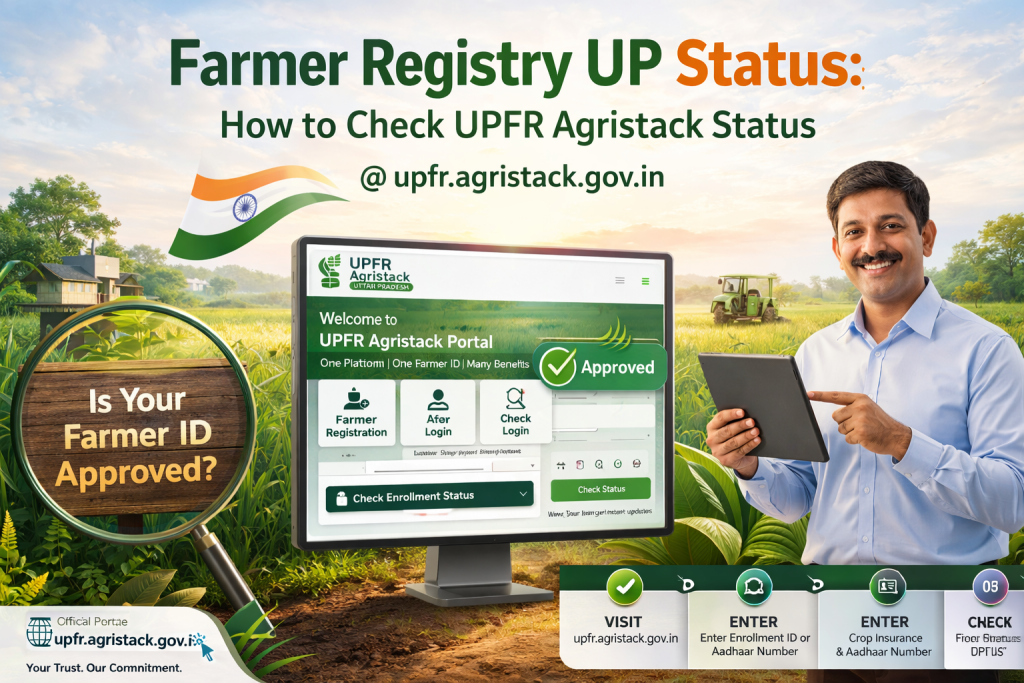
Waiting for your Farmer ID and refreshing the page again and again? Relax, you don’t need to guess anymore.
You can check your Farmer Registry UP Status directly on the UPFR Agristack portal using your details. Just open upfr.agristack.gov.in, enter your information, and your UPFR Status Check result will appear instantly. No confusion, no long process.
What is UP Agristack Status in Uttar Pradesh Farmer Registry?
UP Agristack Status shows the current position of your application inside the Uttar Pradesh Farmer Registry system.
When you complete UP Farmer Registration, your data moves through different stages. These stages are shown as status updates inside the UPFR Agristack system.
This helps you understand:
- If your application is accepted
- If verification is still running
- If your Farmer ID is ready
So instead of waiting blindly, you always know what’s happening.
How to do UPFR Status Check on upfr.agristack.gov.in?
Step 1: Open UP Agristack Portal
Go to upfr.agristack.gov.in using your mobile or computer.
Step 2: Click UPFR Status Check
On the homepage, find and click the UPFR Status Check option.
Step 3: Enter Required Details
Now choose one option:
- Enrollment ID
- Aadhaar Number
Enter the correct number carefully.
Step 4: Submit and View Status
Click the check button and your Farmer Registry UP Status will appear on the screen.
What details are shown in UPFR Status Check?
When you check your status, the system shows key details from UPFR Agristack.
- Registration details
- Farmer ID (if generated)
- Application stage
- Approval status
If your application is approved, you can move to the next step and download your Farmer ID.
What does UPFR Status mean in Farmer Registry UP?
Understanding status is very important. Here is a simple breakdown:
| Status Type | Meaning | What You Should Do |
|---|---|---|
| Submitted | Application received | Wait |
| Under Review | Verification in process | No action |
| Approved | Farmer ID created | Download Farmer ID |
| Pending | Manual checking | Wait or use CSC |
| Rejected | Application not accepted | Reapply |
Each status directly reflects your UP Agristack Registration progress.
How to check Farmer Registry UP Status using UPFR Login?
Sometimes users prefer to check status after login.
Steps:
- Open upfr.agristack.gov.in
- Click UPFR Login
- Enter login details
- Open dashboard
- View status section
This method gives you more detailed information compared to quick status check.
How to use UP Agristack CSC Login for Status Check?
If you are not comfortable online, you can use UP Agristack CSC Login.
CSC operators use their login to access your application inside the UPFR Agristack system.
Process:
- Visit nearby CSC
- Provide your details
- Operator uses CSC Login
- Your status is checked
This is helpful for users without internet access.
How long does UPFR Agristack Status Check take?
Processing time depends on verification steps.
| Stage | Time |
|---|---|
| Initial Process | 1 to 3 days |
| Verification | 3 to 7 days |
| Final Approval | 7 to 15 days |
If your details match perfectly, approval can happen faster.
What to do after UPFR Status shows Approved?
Once your status shows approved, your work is almost done.
Follow these steps:
- Open UPFR Login
- Go to dashboard
- Find Farmer ID section
- Download your Farmer ID
Now your Farmer Registry UP process is complete.
Common problems in UP Agristack Status Check
Status not updating
Sometimes users feel stuck.
- Wait for full processing time
- Check again after a few days
Wrong details entered
- Always double-check your number
- Even one mistake shows no result
Pending status for long time
- This happens due to verification
- You can use CSC Login for help
Rejected application
- Check reason
- Complete registration again
Why UPFR Status Check is important?
Checking your status is not just a step. It is necessary.
It helps you:
- Track your application
- Avoid delays
- Download Farmer ID on time
- Stay updated
Without checking, you may miss your approval.
Pro Tips for UP Agristack Status Check
- Always use correct details
- Check status regularly
- Use official portal only
- Save your Enrollment ID
- Download Farmer ID quickly after approval
Even a small mistake can delay your application, so stay careful.
Final Words
The UPFR Agristack Status Check system makes everything simple. You don’t need to visit offices again and again. Just open the portal, check your status, and move ahead.
Once your Farmer Registry UP Status shows approved, your Farmer ID is ready to use. Follow the steps, stay patient, and everything will work smoothly.